Overview
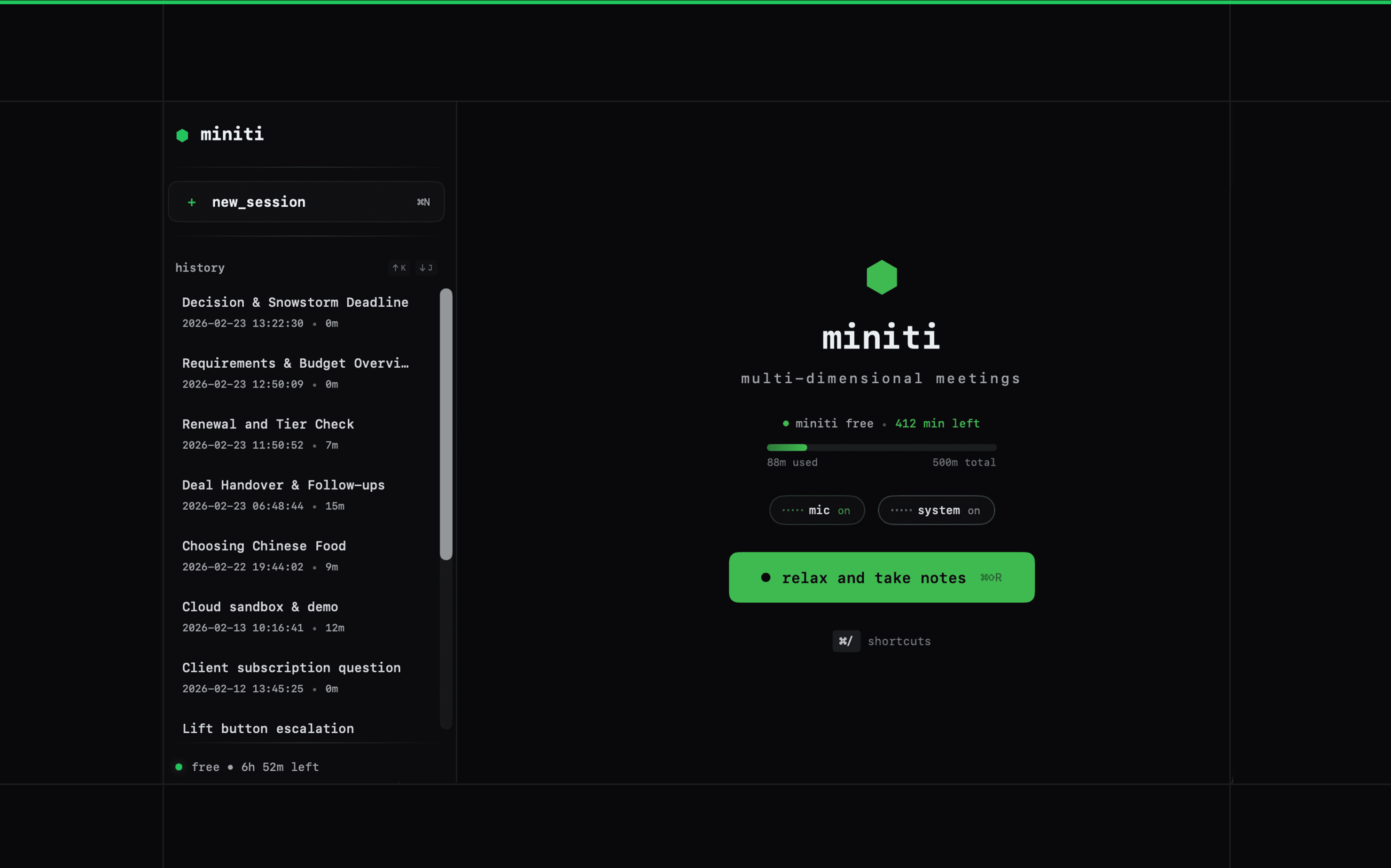
miniti is a meeting assistant and speech coaching app for macOS and iOS. It records meetings with live transcription, generates AI-powered summaries and action items, and coaches you in real-time on how you speak. Track filler words, talk ratio, pace, monologue length, questions asked, and clarity score across every meeting. Built for sales professionals who want to close more deals, and anyone who lives in meetings and wants to get sharper at them. The Attio integration lets you send meeting intelligence directly to your CRM records, keeping your workspace current without manual data entry. Pro plan at $5/month for 5,000 transcription minutes, or bring your own API keys for unlimited usage.
How it works
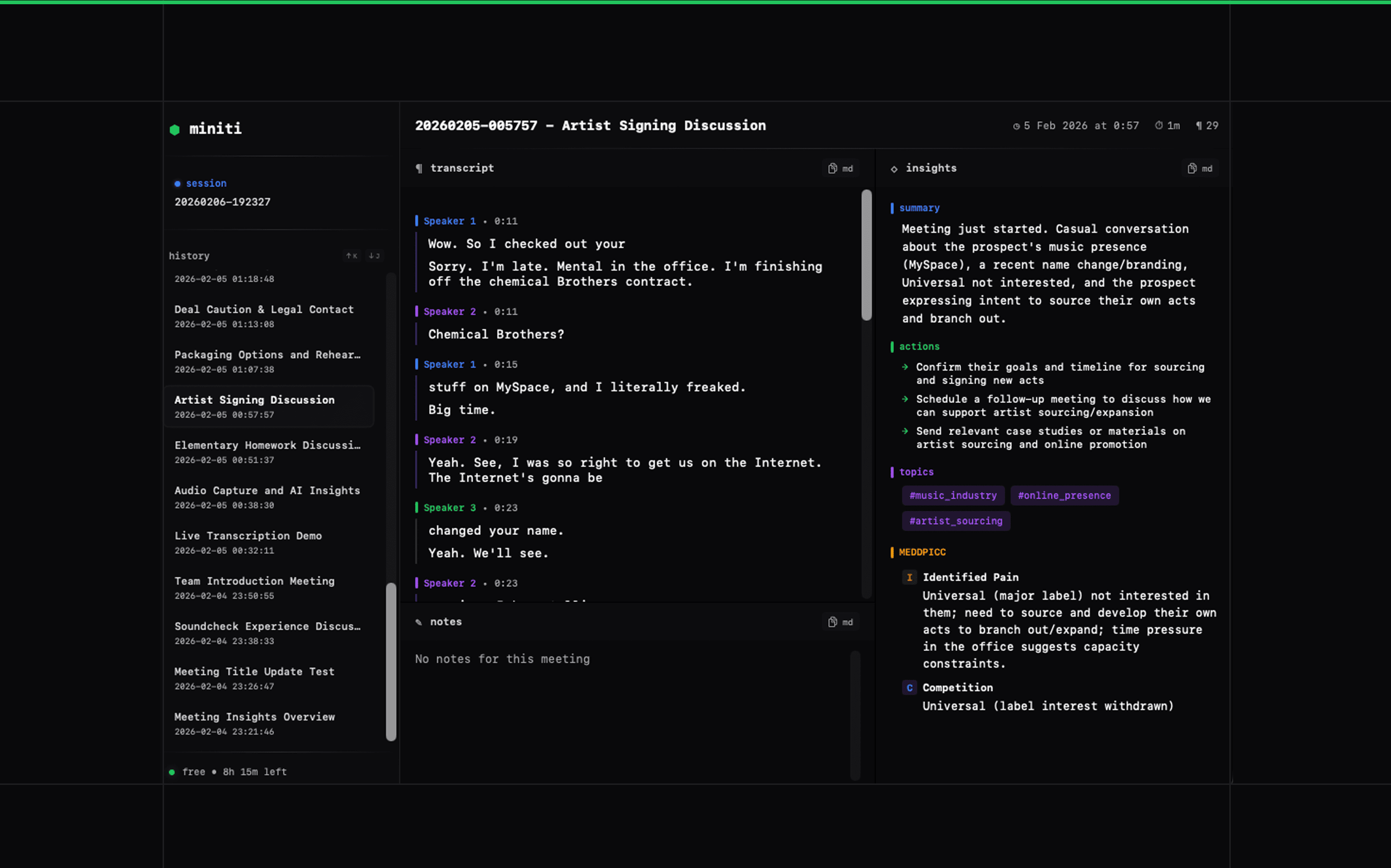
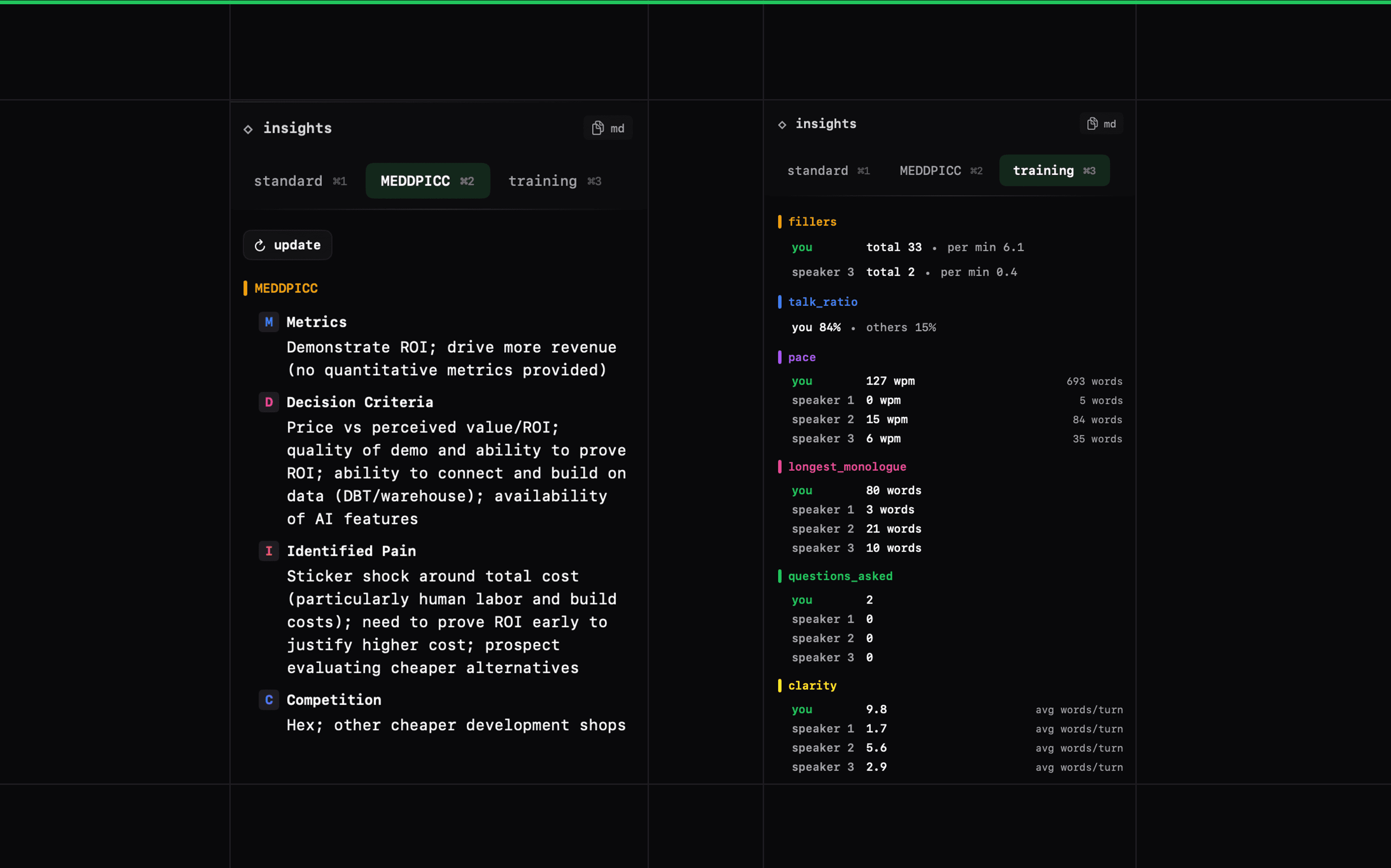
miniti captures your meetings with live speech-to-text transcription, then runs AI analysis to produce summaries, action items, discussion flow, topic extraction, and MEDDPICC sales methodology analysis.
The speech coaching layer tracks per-speaker metrics in real-time: filler word frequency broken down by word, talk ratio, words-per-minute pace, longest monologue detection, questions asked, and an overall clarity score. Your full meeting history stores these training metrics so you can track improvement over time.
The Attio integration lets you send meeting data to any person or company record in your workspace. From any saved meeting in miniti, search for an Attio record and send summaries, discussion notes, action items, decisions, topics, MEDDPICC analysis, notes, and full transcripts as notes on that record. miniti remembers the selected target for each meeting to make repeat sends easy.
Configure
To connect your Attio account, use the "send to Attio" flow from a saved meeting in the macOS app.
- in miniti, go to settings and enable the "sync to attio" feature.
- open a saved meeting in miniti on macOS.
- click "send to Attio."
- click "connect" and sign in to Attio in your browser.
- authorise miniti to access your Attio workspace.
- return to miniti after the connection completes.
- search for an Attio record (person or company) and select the target.
- click "send to Attio" to create notes on that record.
Once connected, you can search Attio records directly from miniti before sending, and miniti remembers the selected target for each meeting. the connection is OAuth-based with no manual API key entry required. available for macOS saved meetings with user-initiated export. to switch accounts, use the same flow and choose "reconnect" to reauthorise a different Attio workspace.