Overview
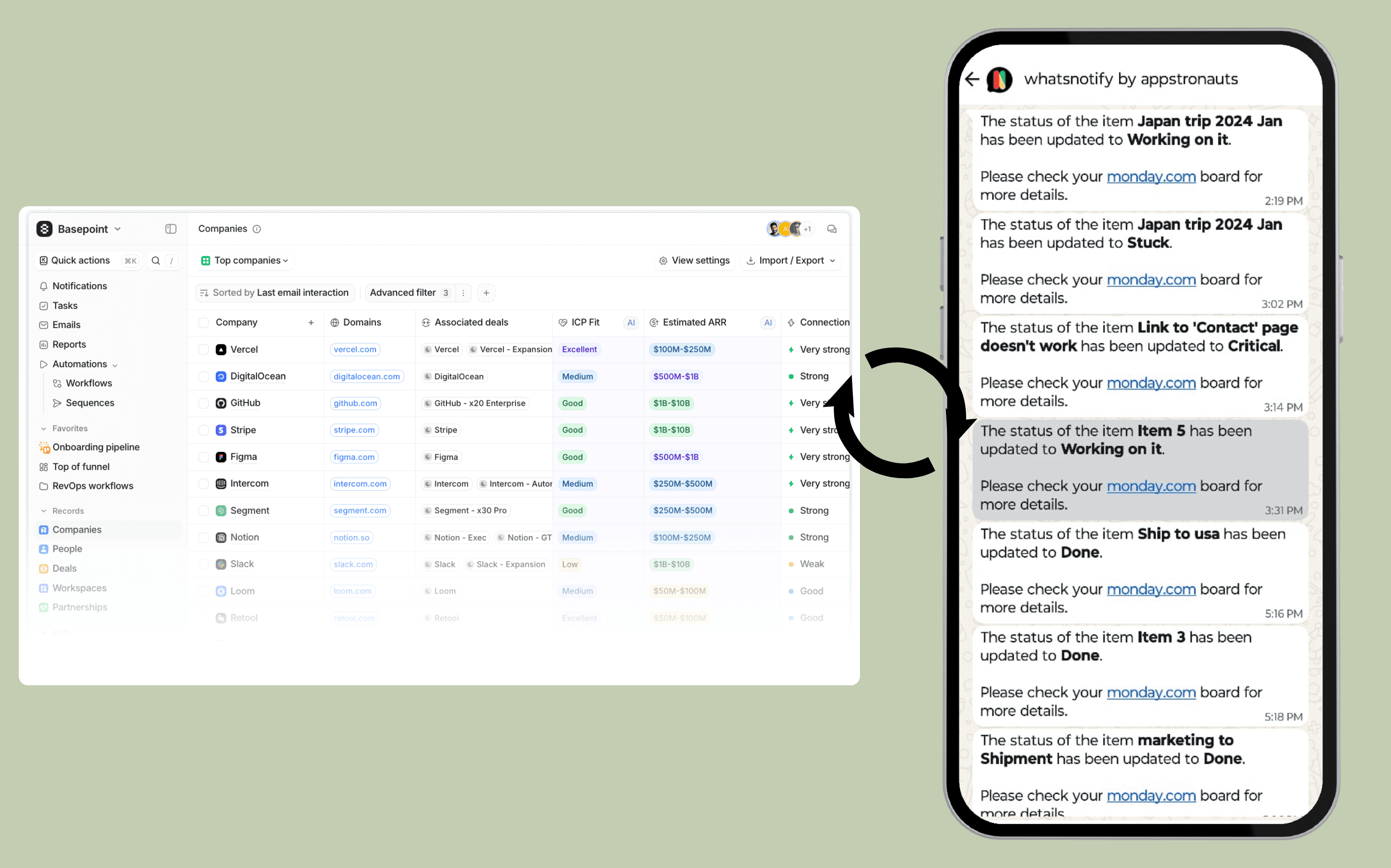
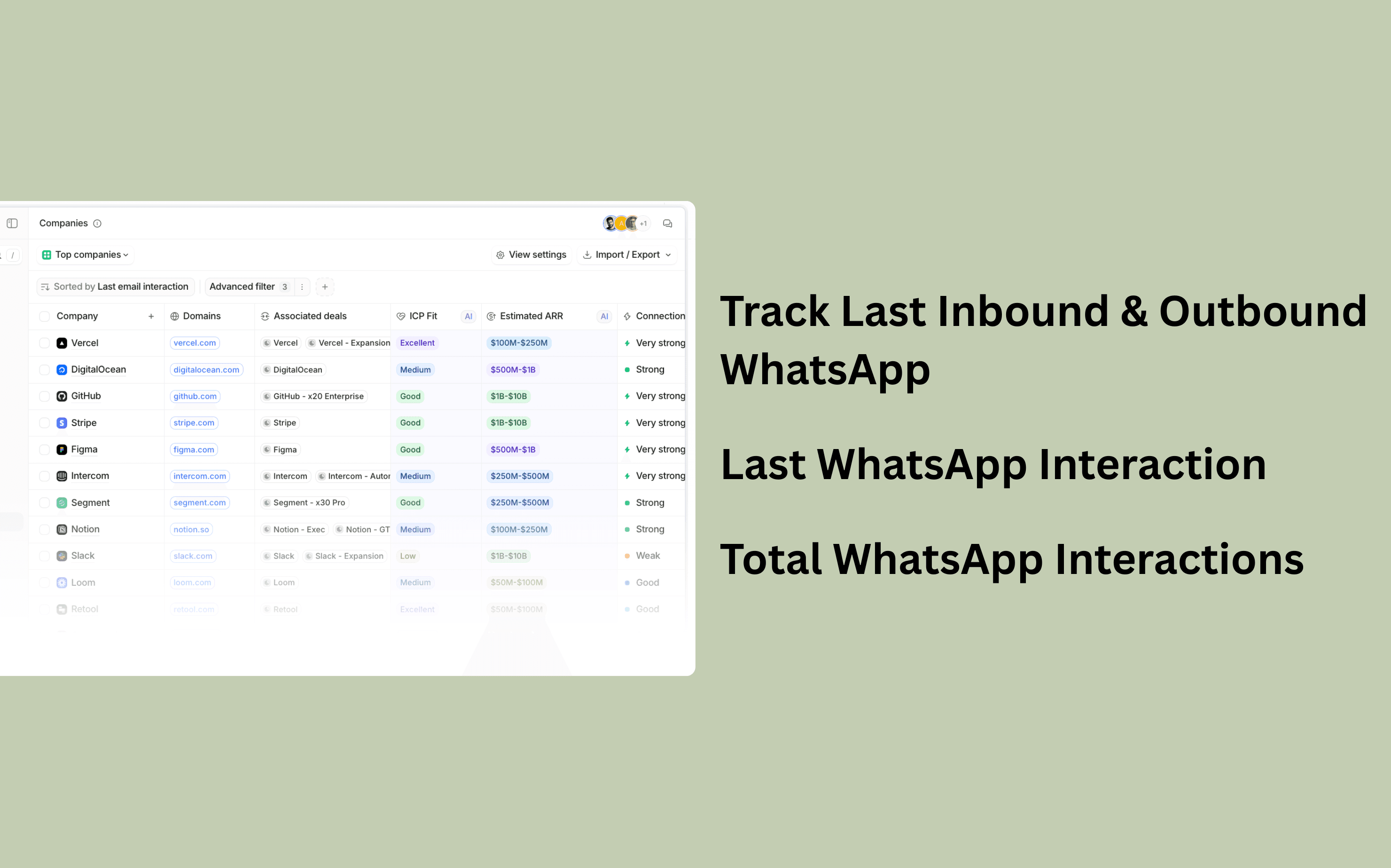
Stop switching between apps to track conversations. This integration automatically logs your WhatsApp chats against the relevant People and Companies within Attio, giving you a complete view of your relationship history.
Key Benefits:
- Eliminate Context Switching: View inbound and outbound WhatsApp messages without leaving your CRM.
- Automatic Syncing: No manual entry required—chats are instantly linked to the right contact.
- Better Collaboration: Give your entire team visibility into conversation history to keep everyone aligned.
How it works
Getting your WhatsApp chats into Attio is a fast, two-step process. You'll be syncing communication and gaining visibility in minutes.
- Connect Your Accounts (Key Requirement): First, ensure you are using the official WhatsApp App. You will then connect your Attio workspace and your WhatsApp account through our secure setup wizard.
- Instant Sync Activation: The moment you authorize the connection, the synchronization process begins immediately. There is no waiting period—all new and historical messages will start flowing into your Attio records.
What Happens Next?
- Automatic Logging: Every inbound and outbound WhatsApp message is instantly logged and linked to the corresponding People and Company records in Attio.
- Complete Context: Your team gains immediate access to the full conversation history, eliminating manual data entry and context switching.
Configure
We’ve streamlined the configuration process to get you syncing in minutes. There are two simple connections required:
- Connecting Attio (One-Click Authorization)
Linking your Attio workspace is exceptionally fast:
Click the "Connect Attio" button in the integration interface.
You will be securely redirected to Attio’s authorization screen.
Simply click "Continue" to grant permission. Your Attio account is now linked.
- Linking the WhatsApp App (Crucial Step)
Follow the prompts to securely link your designated WhatsApp account with our app.
This ensures the correct business communication is accessed and logged.
Success! Once both products are successfully connected, the real-time sync starts automatically, and your messages will begin flowing into Attio immediately.