Overview
Solvimon connects your CRM to billing infrastructure built for hybrid pricing. By syncing customer, subscription, and usage data between Attio and Solvimon, your sales team gains real-time visibility into what customers are actually using.
For companies running hybrid models (seats + usage + credits), the disconnect between CRM and billing creates blind spots. Sales reps quote customers who are already spending through PLG. Finance reconciles spreadsheets instead of closing books. Revenue leaks through the cracks between systems.
Your Attio instance becomes a single view of customer spend across self-serve and sales-led motions, and without custom orchestration code.
Built by the team that scaled Adyen's billing engine, Solvimon handles the complexity of modern monetization: multi-entity invoicing, credit burndown, usage-based pricing, and enterprise contracts with commits.
How it works
The Solvimon Attio app provides:
- Bi-directional customer sync. Create a customer in Attio, and they appear in Solvimon. Update billing details in Solvimon, and they reflect in your CRM. No manual data entry, no drift between systems.
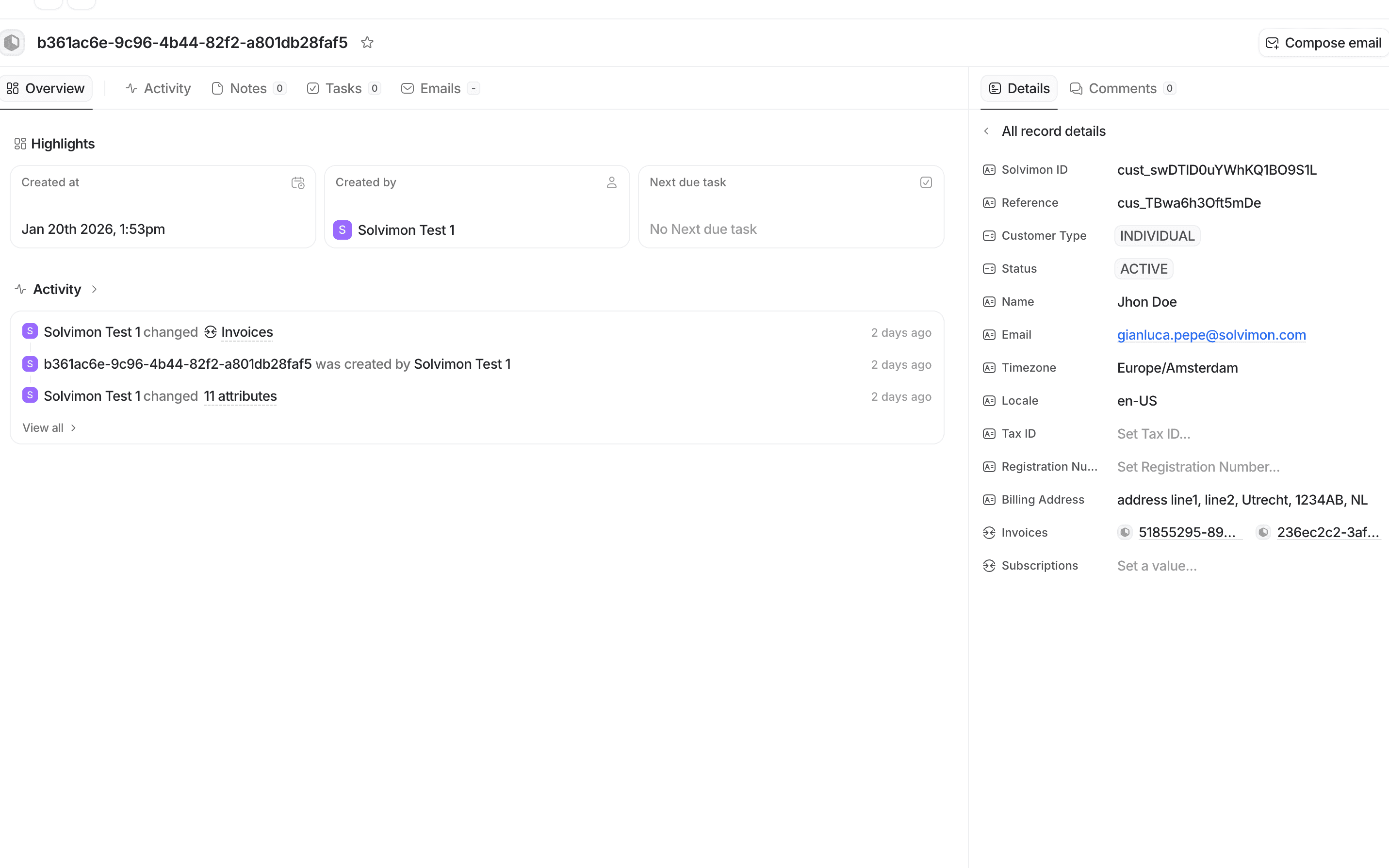
2. Usage and subscription visibility. See real-time subscription status, usage metrics, and credit balances directly on company records in Attio. Sales reps know exactly where customers stand before every conversation. 3. PLG + SLG unified view. Self-serve signups and enterprise contracts appear in the same customer record. When a free user hits usage limits, sales sees the signal immediately.
4. Automated data sync between Solvimon and Attio for:
- Customers and contacts
- Subscriptions and their pricing tiers
- Usage events and credit balances
- Invoices and payment status
- Custom billing attributes
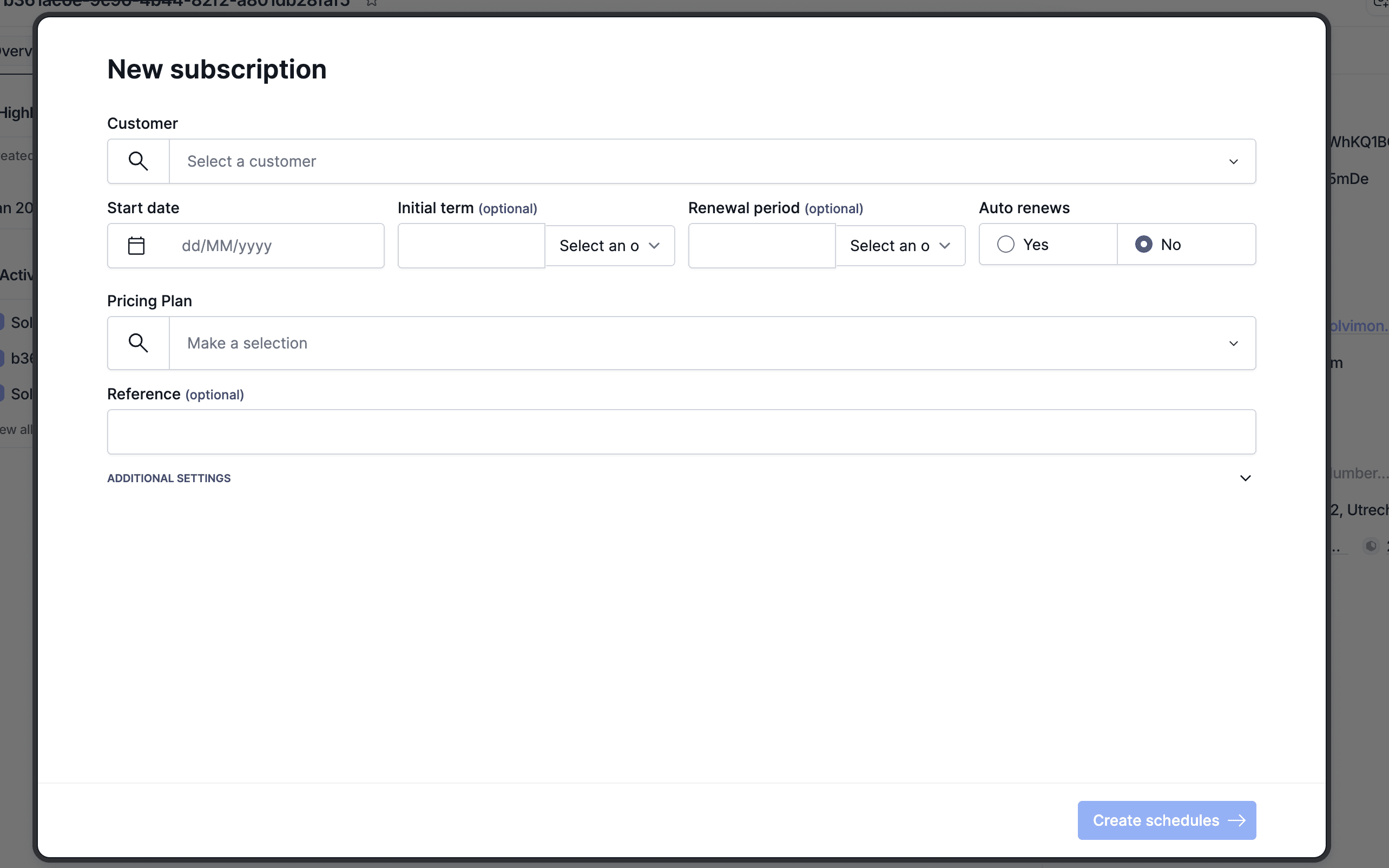
5. Embedded actions. Generate quotes, adjust subscriptions, or provision entitlements directly from Attio deal records using Solvimon's pre-built actions.
Configure
In Attio, navigate to Workspace settings > Apps.
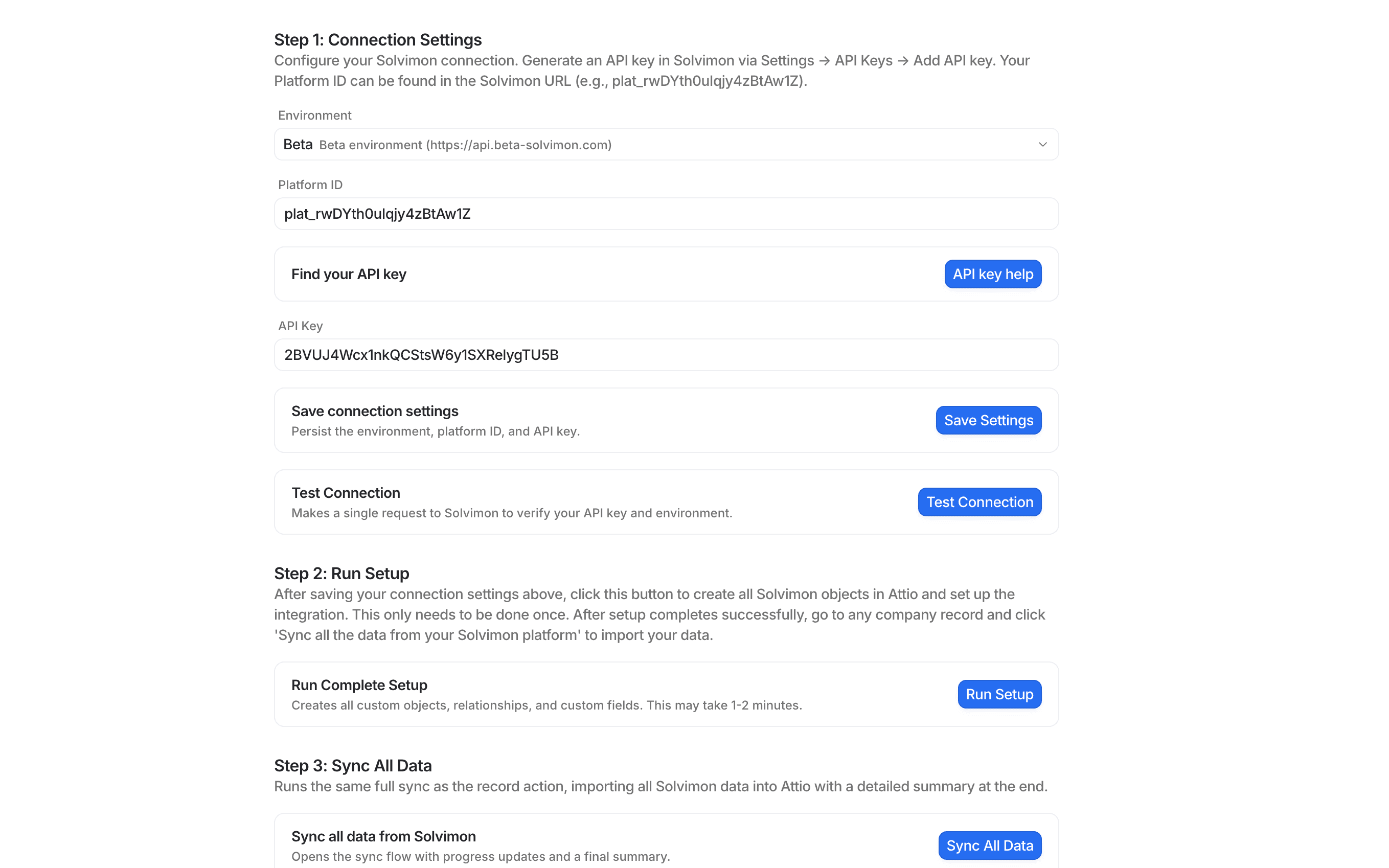
Find and install the Solvimon app. In your Solvimon dashboard, go to Settings-> API Keys
- Click Add API Key, call it "Attio token" and copy the token.
- Return to Attio and paste the API key into the Solvimon app connection settings.
- Select your instance
- Test the connection
- Begin the sync process
Once connected, Solvimon data will begin syncing to Attio within minutes.
For advanced configuration—including custom field mapping, webhook triggers, and multi-entity setups refer to the Solvimon documentation or contact your account team.