Overview
Transform customer conversations into actionable product insights without leaving Attio.
Bridge the gap between your CRM and product roadmap, allowing you to capture feedback from customer interactions and send it directly to Productboard with just a few clicks.
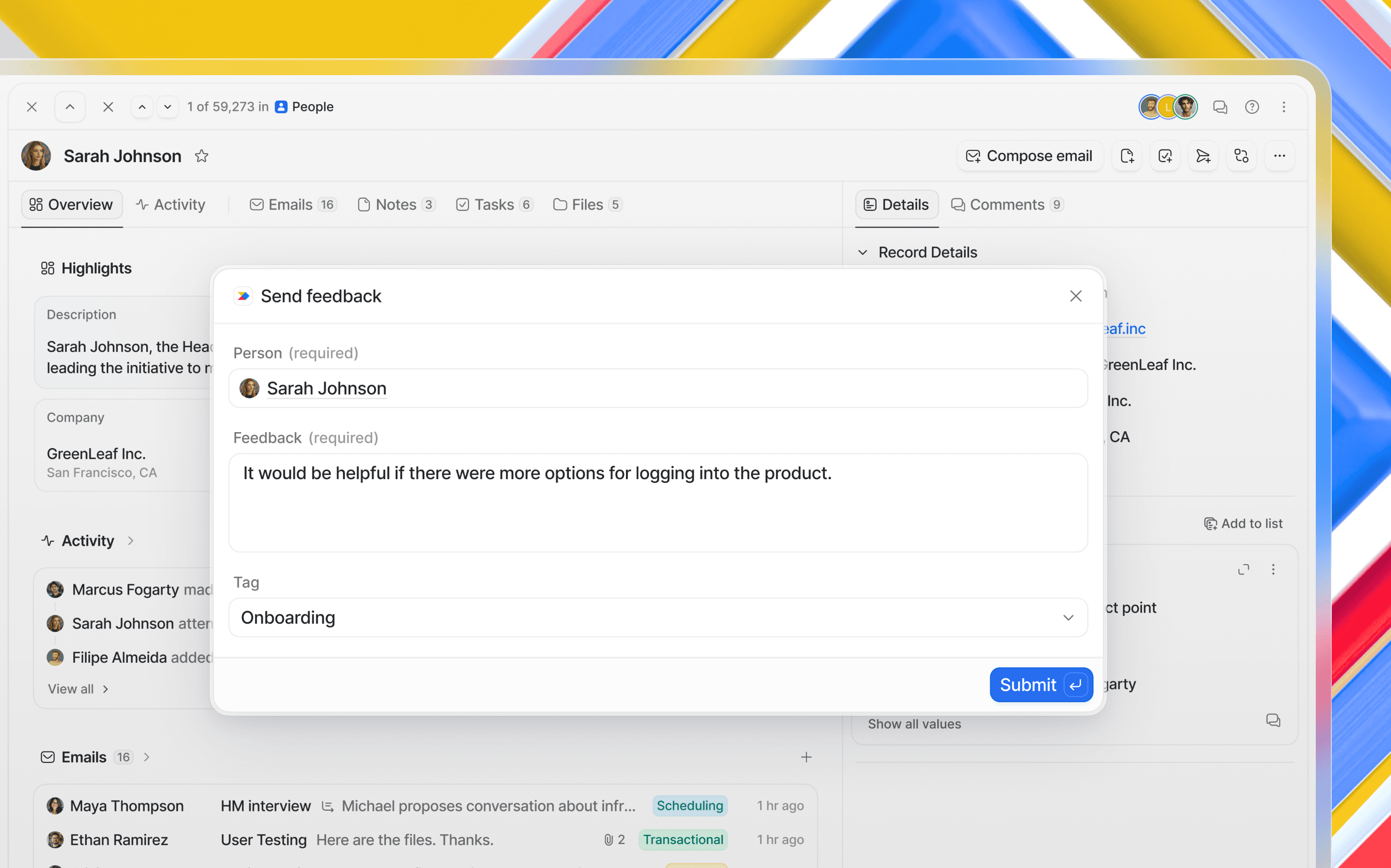
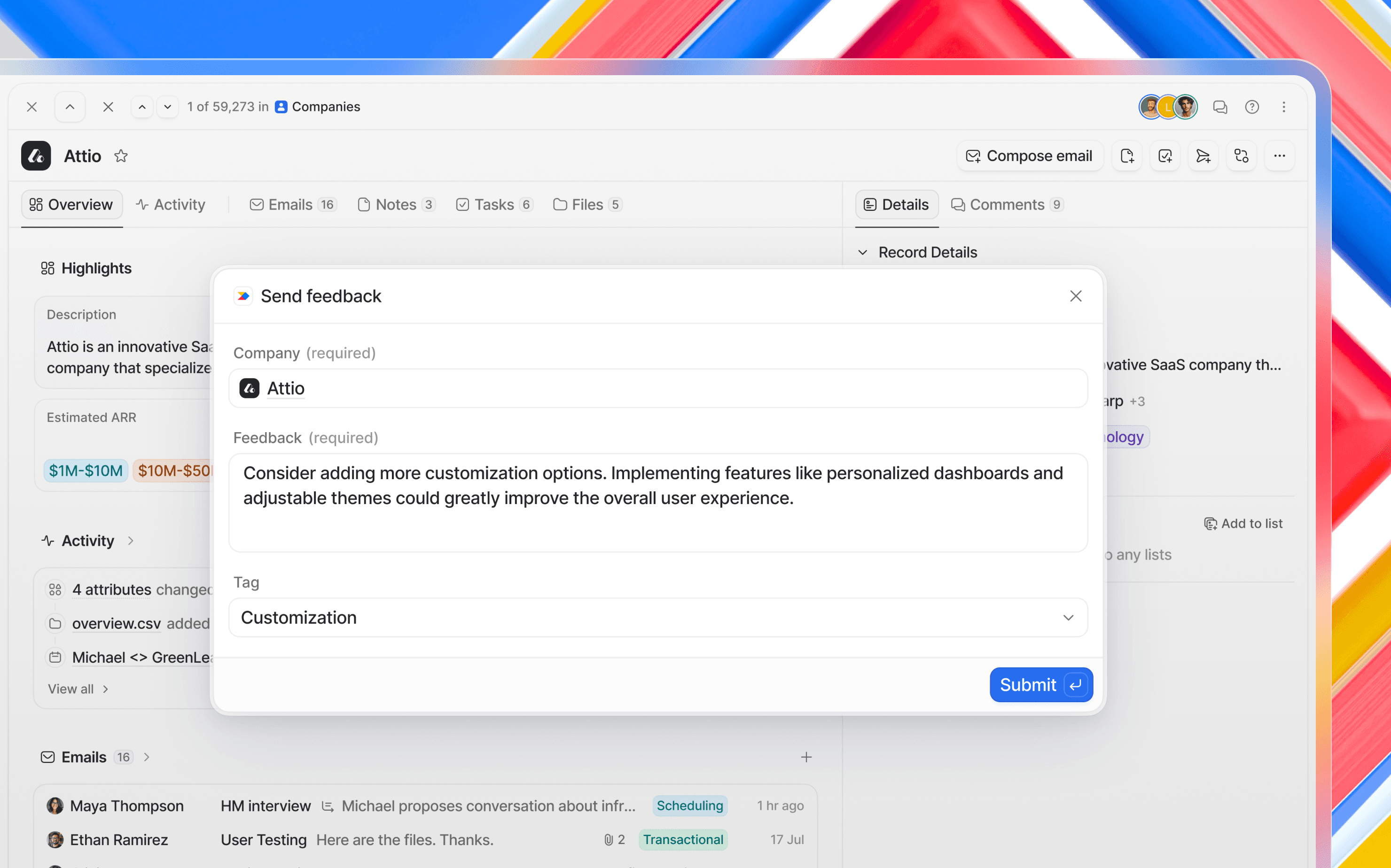
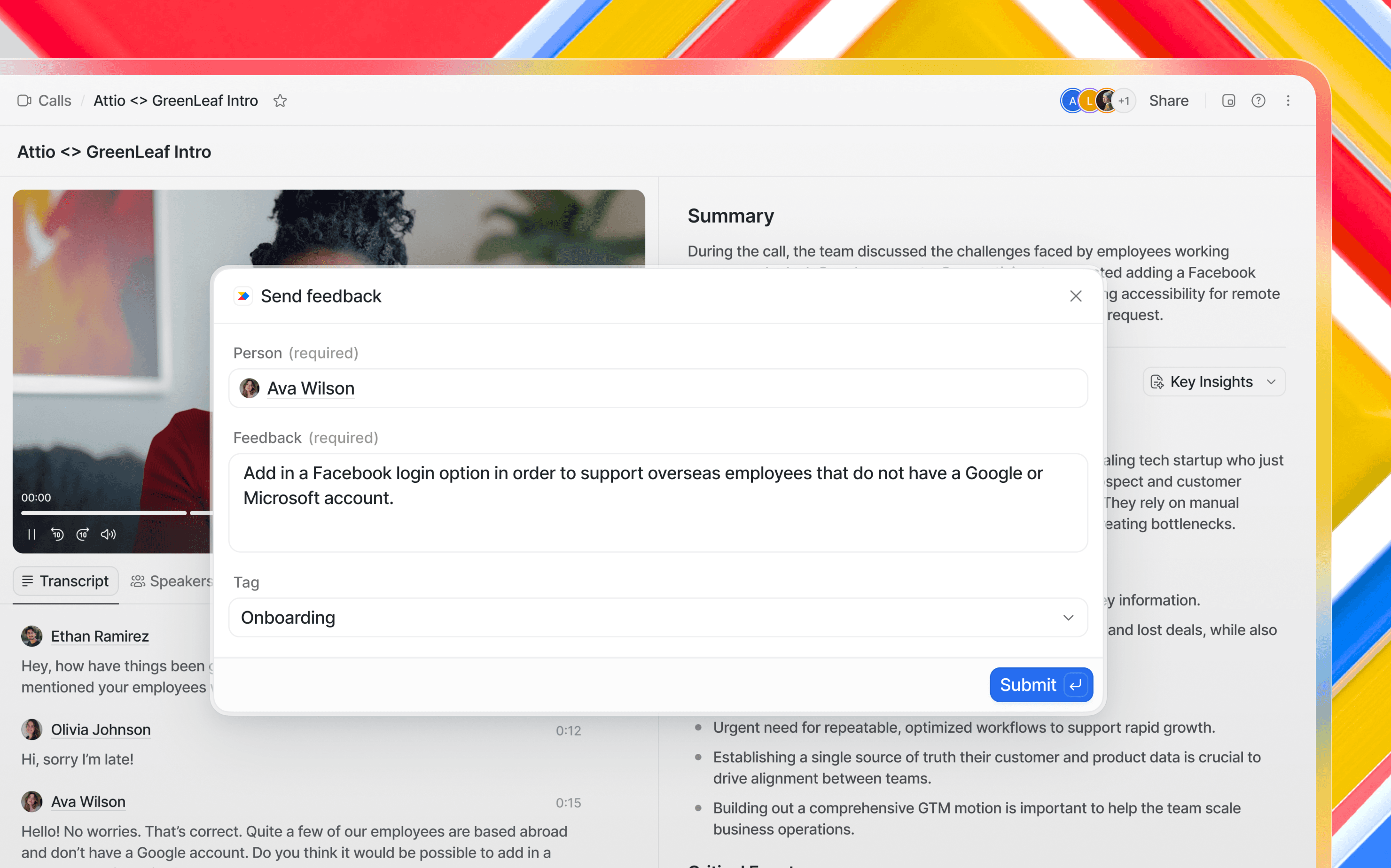
Whether you're reviewing a sales call, meeting with a customer, or managing company relationships, you can instantly log product feedback to Productboard while all the context is fresh. Simply activate the app on any person, company, call transcript, or call summary in Attio, and it will pull relevant context into a feedback submission form.
Your product team gets structured, contextual feedback tied to real customers in Productboard's centralized insights repository, where they can identify trends, prioritize features based on actual user needs, and connect feedback to your product roadmap. Meanwhile, your customer-facing teams can contribute to the product development process without switching tools or losing momentum in their workflow, helping your organization get the right products to market faster.
How it works
Activate from anywhere in Attio: Navigate to any person record, company record, call transcript, or call summary where you want to capture feedback
Launch the app: Click to activate the Productboard integration; this will automatically pull in the associated person, company or context
Add your feedback: A popup window appears where you can write or edit the feedback. If you highlighted text in a transcript or summary before activating the app, that text is automatically inserted into the feedback field
Add a tag: tag your feedback with any of your existing tags in Productboard.
Submit to Productboard: Send the feedback directly to Productboard with all the customer context intact, ready for your product team to analyze, prioritize, and link to feature ideas in their roadmap
Configure
To set up this integration, you'll need admin rights on your Productboard account to authorize the required permissions.
Once connected, the app will have the necessary scopes to create notes on your behalf.
Any Attio user can then use the integration to submit feedback to Productboard directly from their workflow, ensuring that valuable insights from customer conversations flow into your product management process.