Relative time formatting
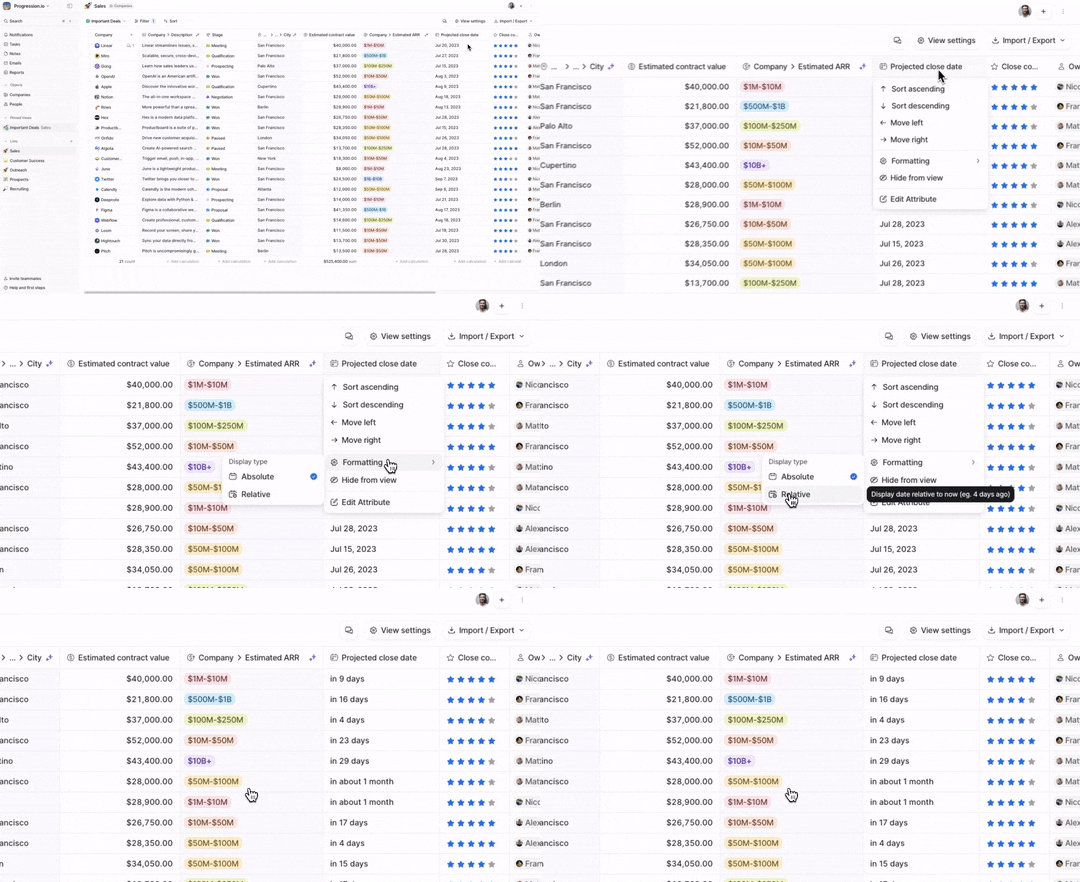
Relative time formatting is now available in table views.
This means you can choose how you want to display your dates as relative time (e.g., 4 days ago) or absolute time (July 9, 2023). Just click on any date attribute and select Formatting > Relative.
This is particularly useful when managing workflows that require tasks and follow-ups.