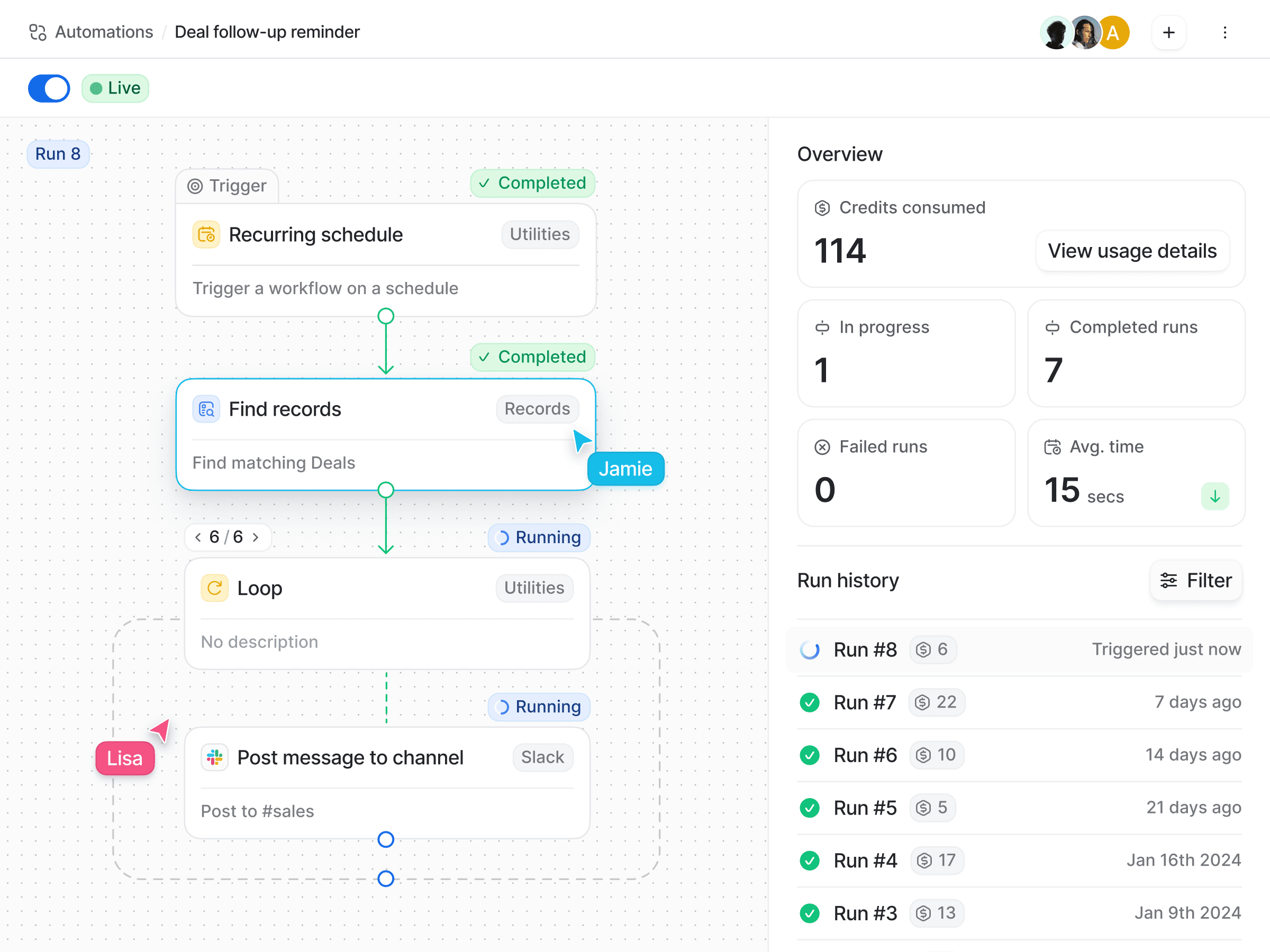
Expanded automations features
We’ve just shipped a number of new workflow blocks, which open up a whole new set of possibilities for your workflows.
Recurring schedule allows you to schedule a workflow to run at a specific point in time, or at regularly defined intervals. For example, you can schedule a workflow to run every Monday at 10am, or on the twelfth of every month, and so on.
List entry command enables you to manually trigger a workflow from any entry in a list.
Find records allows you to find records that match filter conditions, so that you can use those records in subsequent blocks. For example, you can find all
In progressDeals that haven’t been contacted for over a week.Find list entries finds entries in a list that match a filter condition, so that you can use those list entries in subsequent blocks.
Delete list entry deletes an entry from a list.
Loop allows you to repeat a set of actions for attributes with multiple data points. For example, you can iterate over all Team members of a Company.
You can learn more about the new blocks here, or head straight over to Automations > New workflow to start building.