Enhanced core pages
We’ve majorly updated tasks, notes, emails, reports, and automations pages with powerful new features and fresh designs.
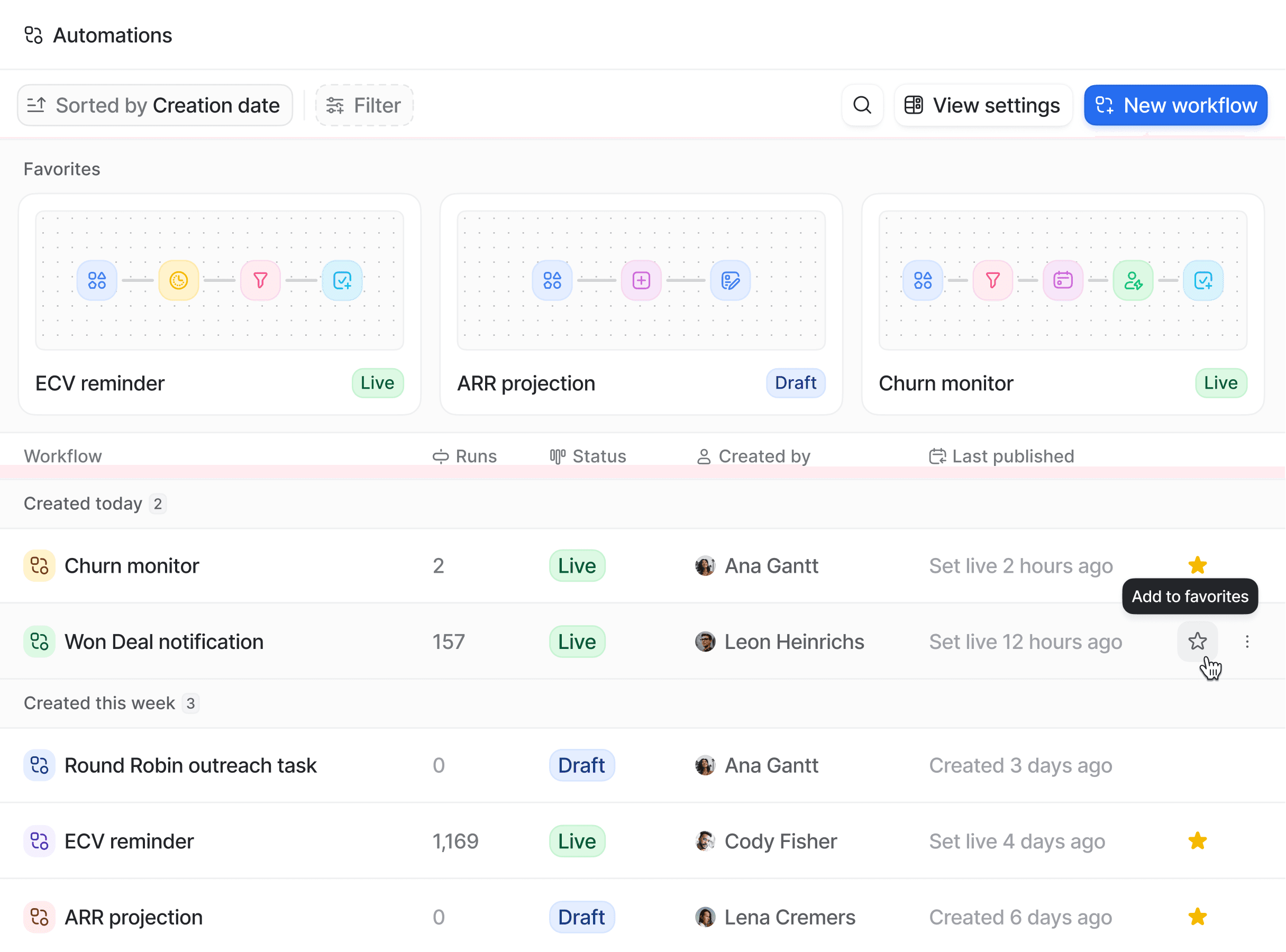
Head over to reports and automations pages, and you’ll find a brand new favorites section. This view is unique for each user. Just click the ⭐️ next to any dashboard or workflow to add to your favorites.
Some other highlights include:
On the tasks page, you can now filter and group each task by assignee.
Notes and emails have a new dedicated page where you can view and manage your templates.
You can group and search your dashboards and workflows on the updated reports and automations pages.