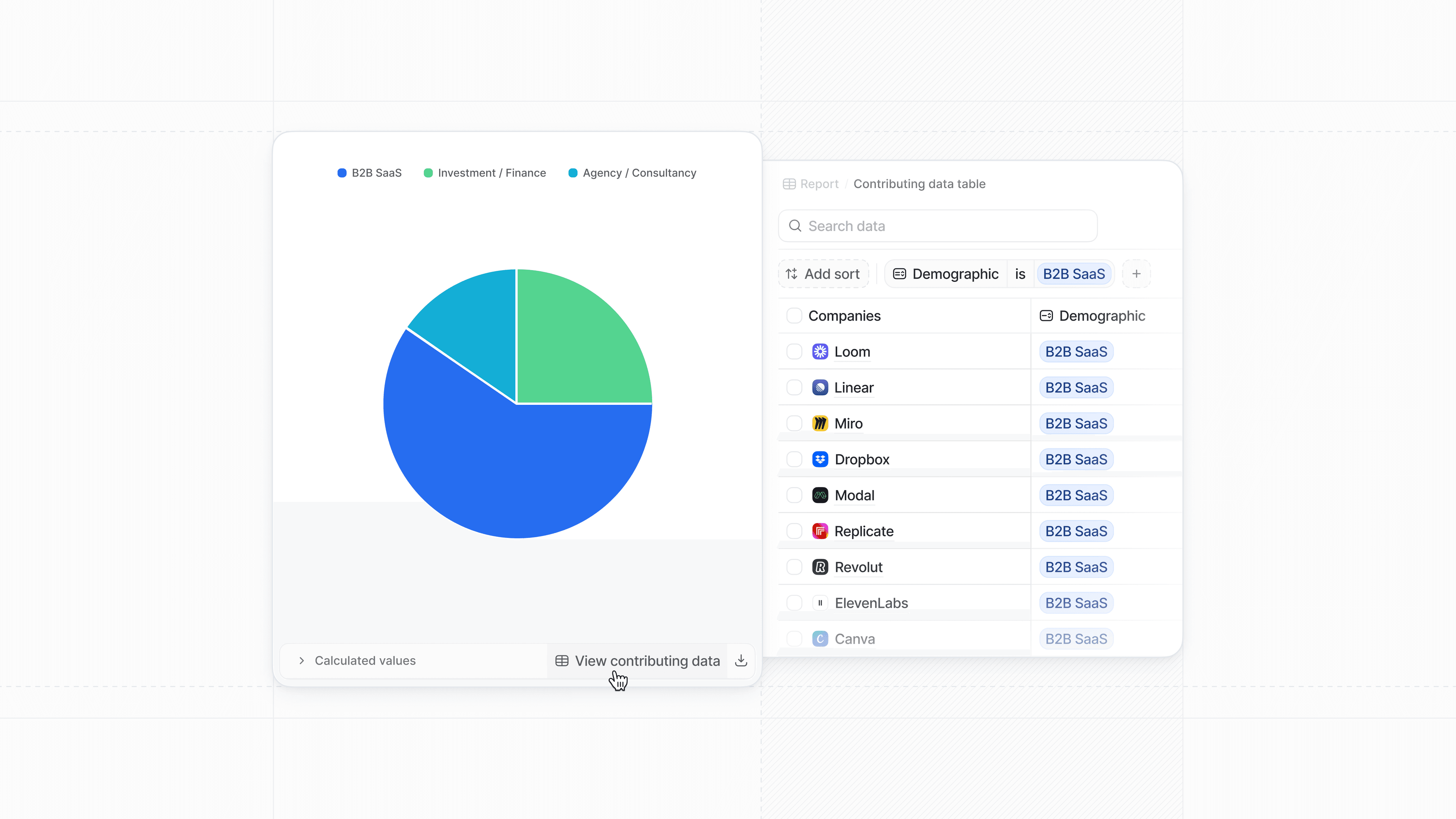
Drill down into your reporting data
Open any Insight report, and you’ll find a brand new View contributing data button next to the Calculated values data table.
Click this and you’ll see a detailed list of all the data points in your report, which you can drill down into to find the underlying records that make up a report, or specific segments of a report.
For example, if you had a significant uptick in your revenue last quarter, you can investigate whether there were specific deals that contributed to an outsized portion of that growth, and if so where they originated from.