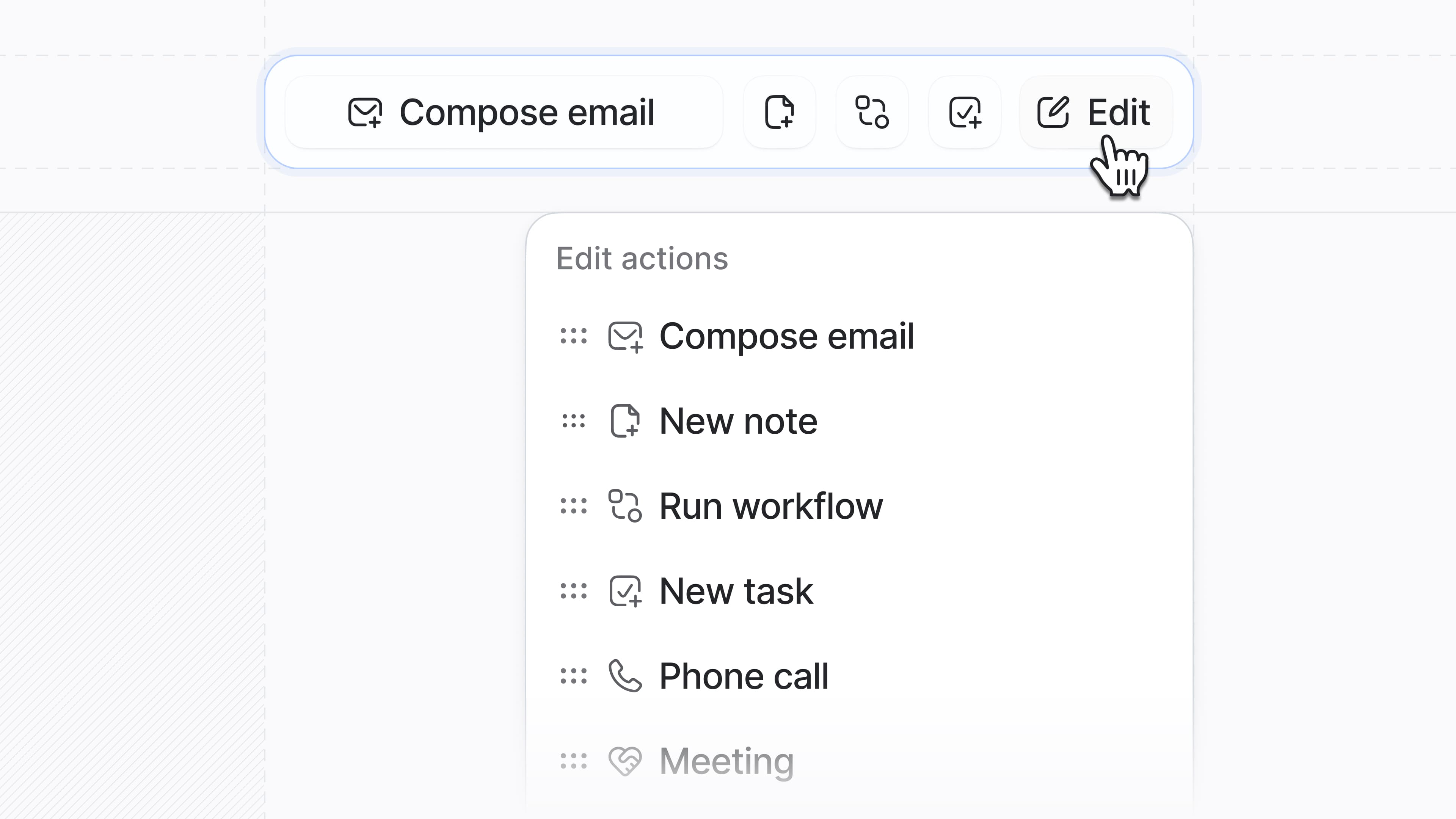
Custom record actions
You now have even more power when it comes to configuring your team’s experience in Attio.
With the new Edit button, you can customize which actions appear in your record page toolbar and arrange them in any order. Add your most-used actions and integrations so that they’re just one click away.
For example, you can configure shortcuts to enroll a record in a sequence, or call a person via our Aircall dialer, to speed up your customer outreach.
Plus, we've redesigned the toolbar to be cleaner and more compact, so you can find and trigger key actions instantly.
To start customizing your record actions, simply open any record and select Configure page from the top right.