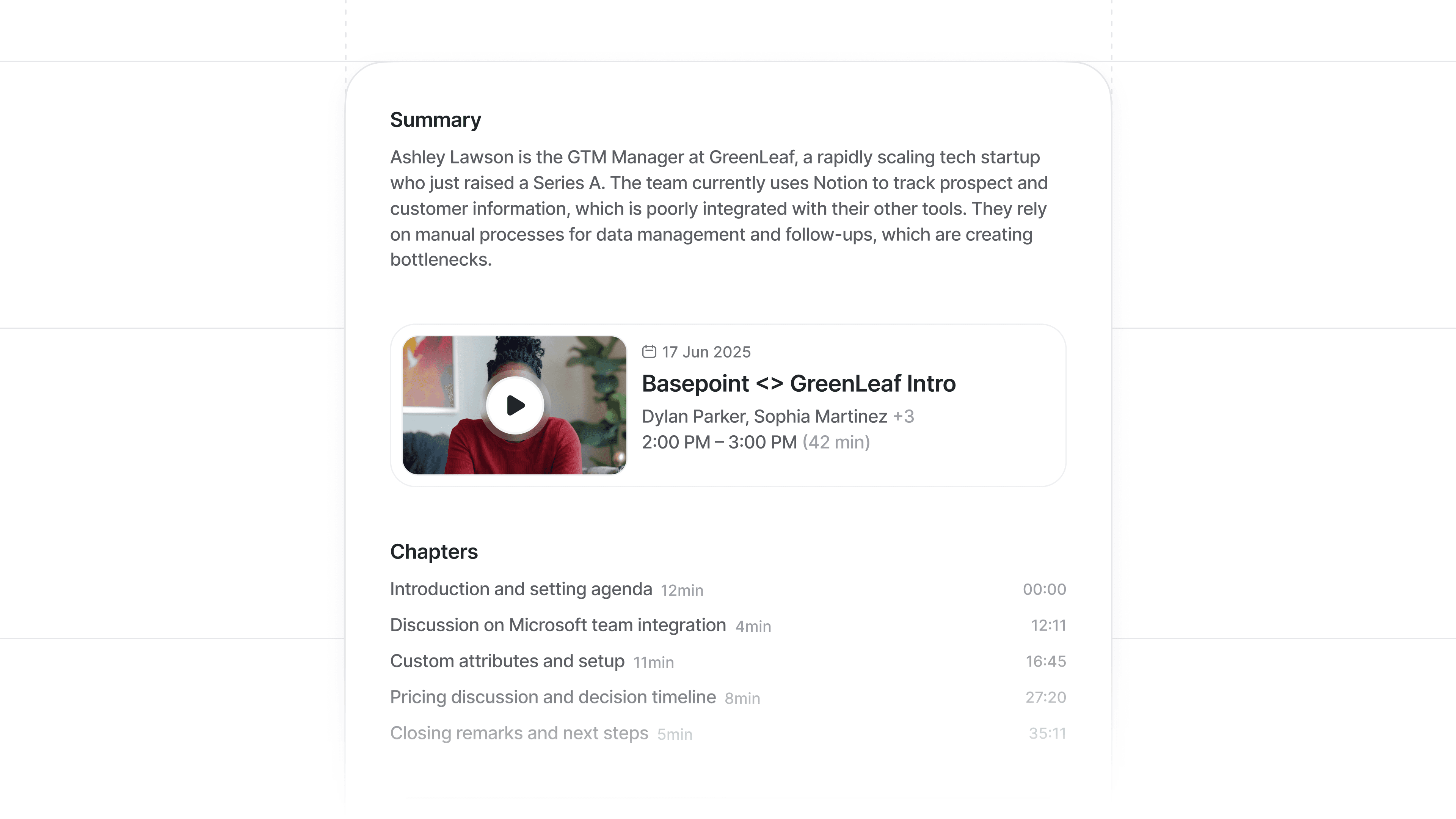
Automated call recap emails
No more lost context: automatically share a recap of every call detail with meeting participants — no public links required. Each email includes a preview image, summary, chapters, and a secure recording link.
Keep everyone on the project aligned without manual note-taking, so your team can focus on next steps.
To send a recap email for a call, just click Share > Share with participants in the call page. You can even start sharing during the call, so everyone gets the email as soon as the conversation ends.
For more information on call recording and sharing, see our Help Center.